A picture
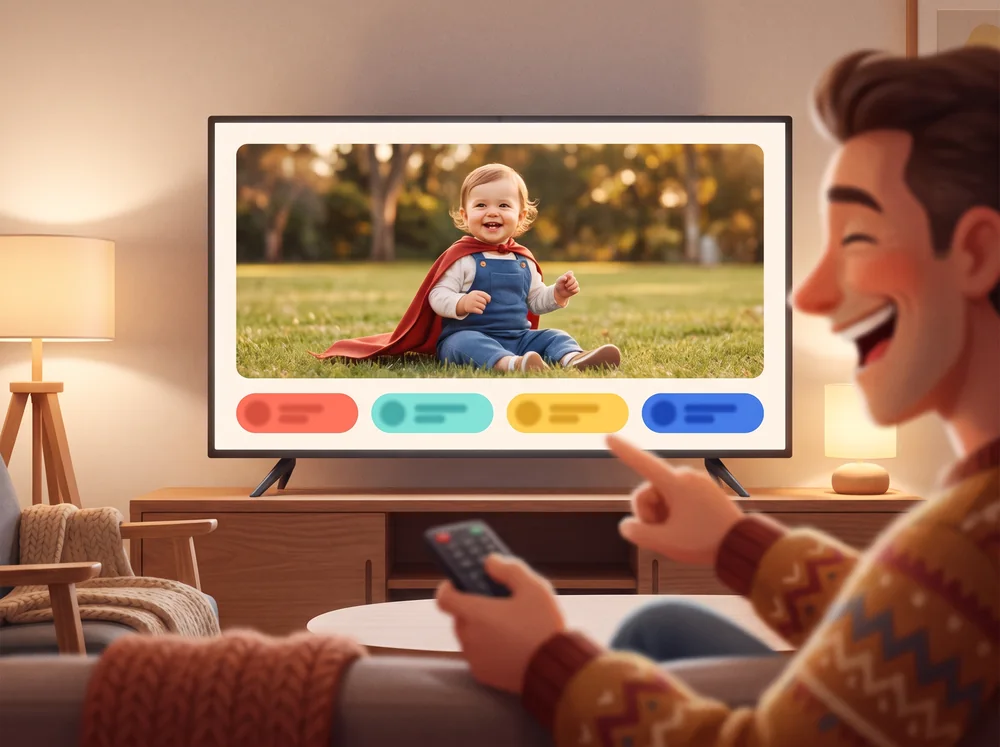
A photo sits on the question. JPG, PNG, GIF or WebP, up to 8 MB. On a television the picture fills the screen. The answers stay on the phones.
Write the questions. Add a picture, a voice, or a video. Play them with the room.
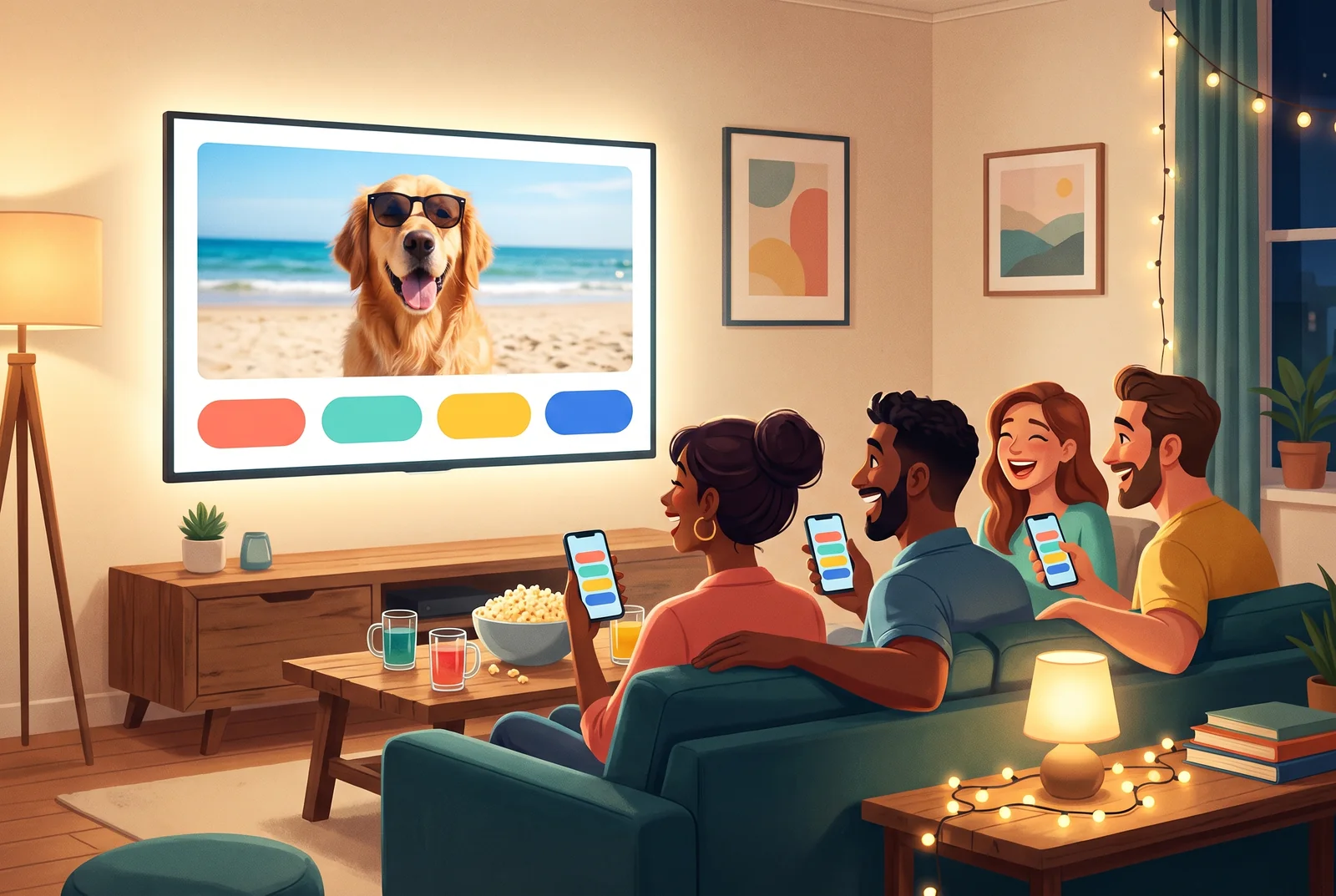
Make a quiz about your friends, your family, your class or your favourite decade. Put a photo, your own voice or a YouTube clip on any question. Then play it on the television with everyone's phones, live online, or on one screen passed around.
Make it in minutes
Start with one question. Type the answers, tick the right one, add a picture if you like. The name comes at the end, when the quiz is already there.
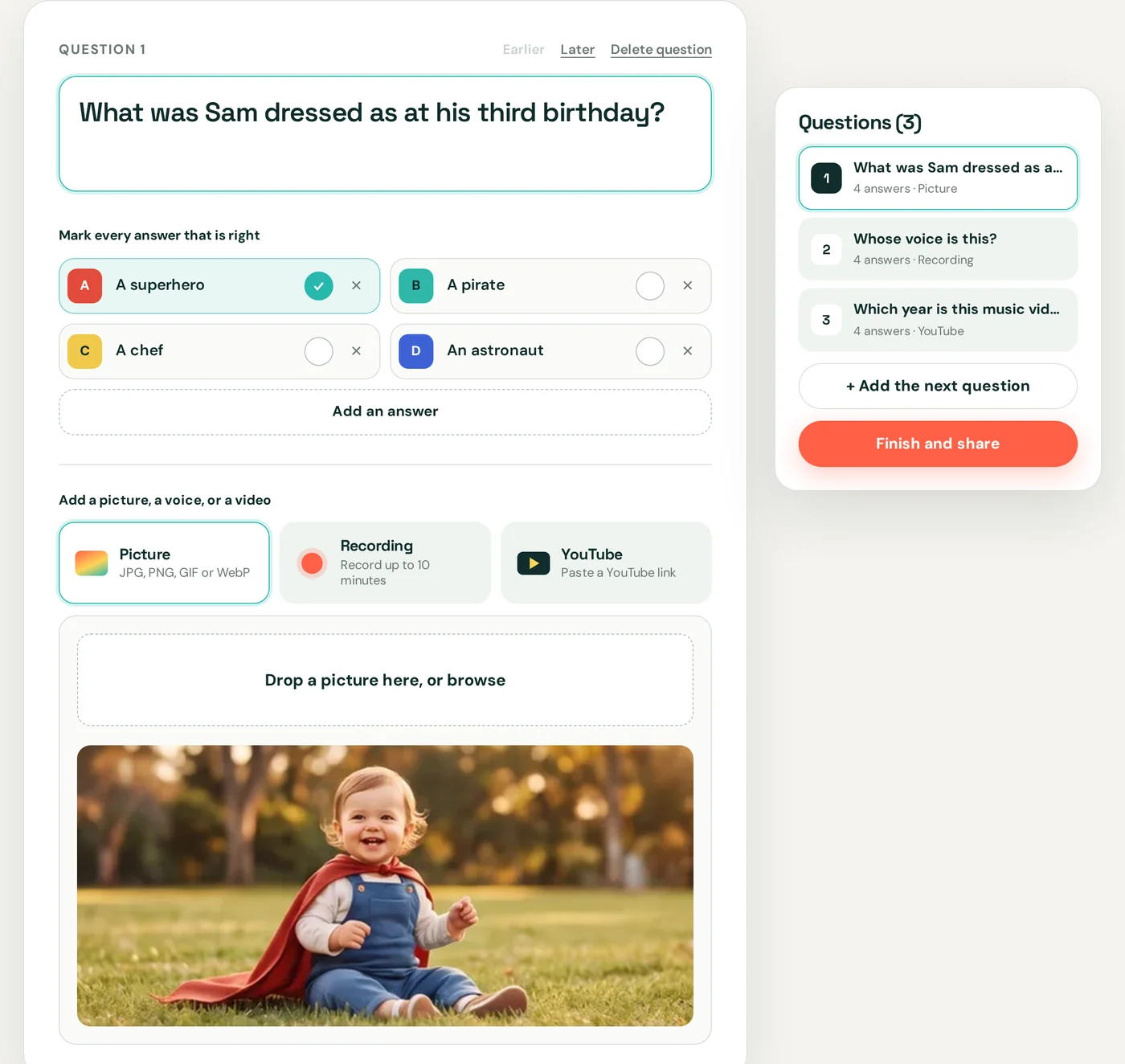
Words are enough. When you want more, the question itself is what people look at or listen to, while the answers stay on their phones.
A photo sits on the question. JPG, PNG, GIF or WebP, up to 8 MB. On a television the picture fills the screen. The answers stay on the phones.
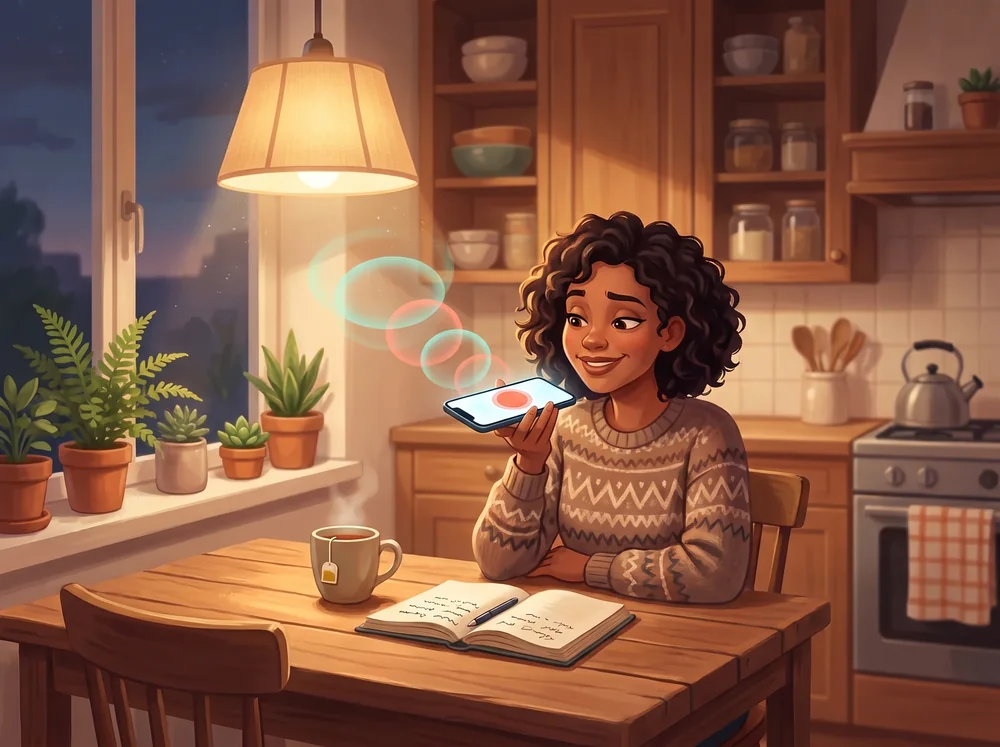
Record up to ten minutes in the browser, or drop in a sound file. It plays with the question, on the television or on every screen.
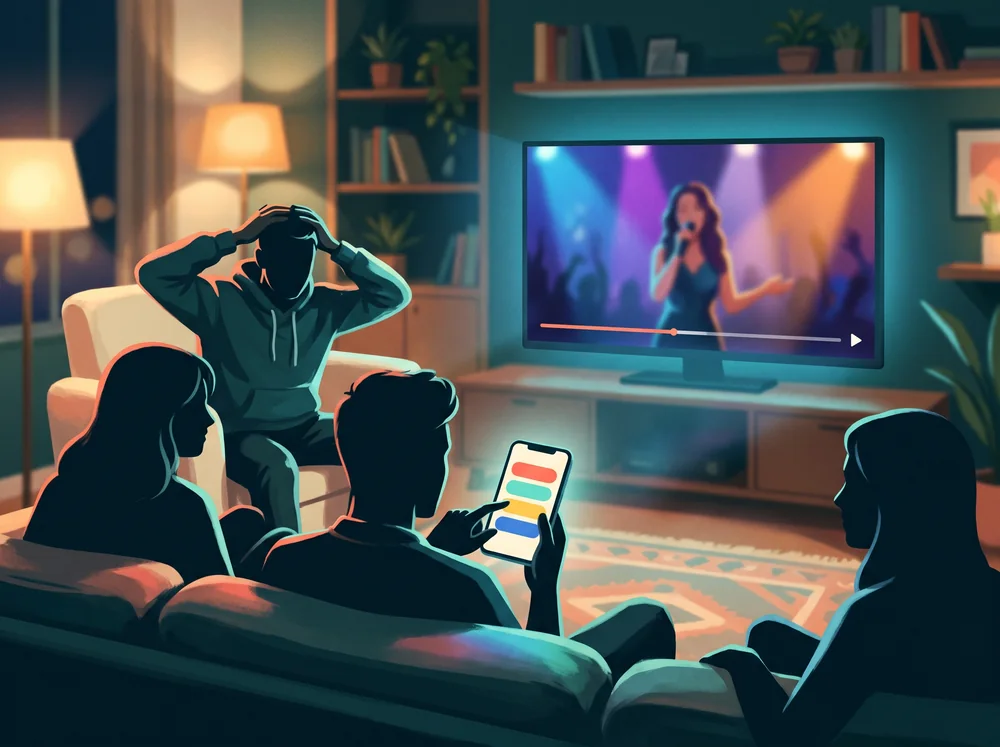
Paste a YouTube link. It starts at the second you choose. The clip plays with the question, then the answers come in.
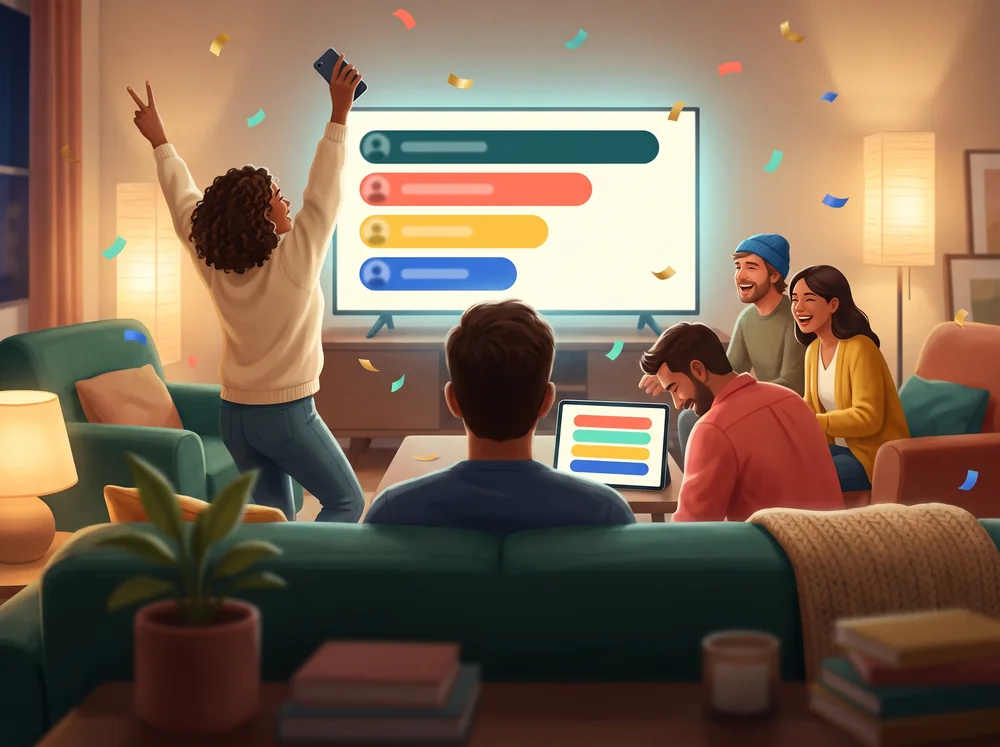
A TV, laptop or tablet — a phone each
The question, the picture, and the clip stay on one screen. Everyone answers on their own phone. A right answer scores more when it arrives sooner.
Open the board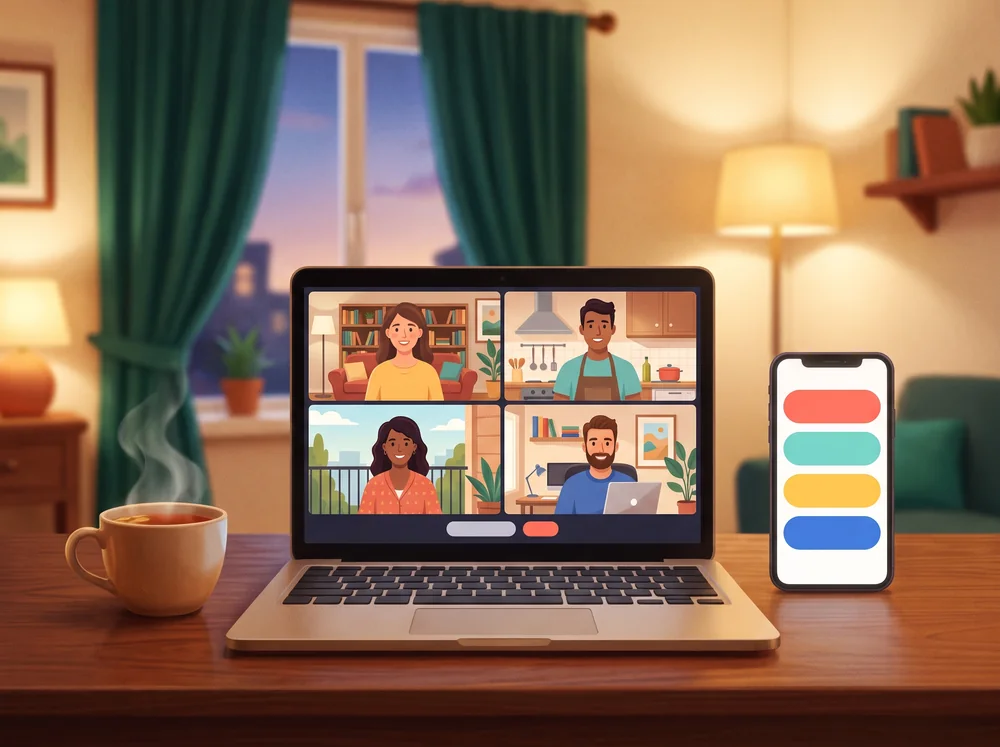
Your own phone, tablet or laptop
The same question appears on every screen at once, including the video or the recording. Send the code. Guests do not need an account.
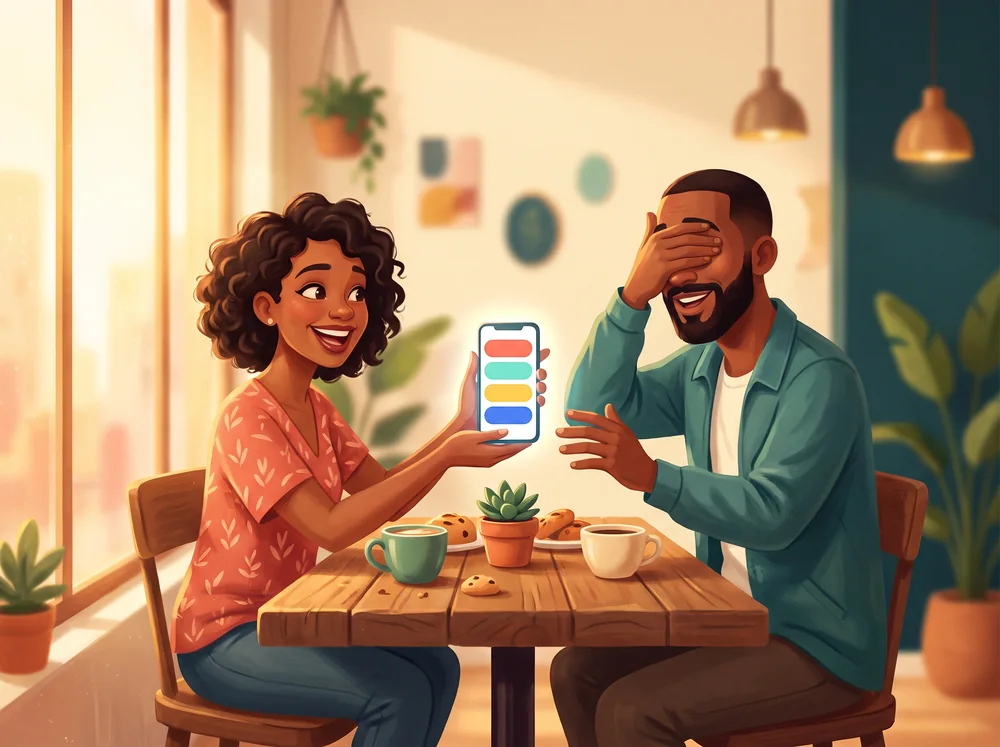
One phone, tablet or laptop
No account and no code. Test your own quiz alone before the party, or pass one phone, tablet or laptop around the table. Everyone answers in turn without looking, then you see the right answer and the points together.
No premium plan, no player limit, no adverts between questions.
Every feature on this page. No trial, and no plan to upgrade to.
As many quizzes, questions and players as you like.
A right answer is worth up to 1,000 points. The sooner it lands, the more it scores.
Record a clue, an impression or a song straight in the browser.
Players join with a four-character code or a QR code. Only the host signs in.
Every quiz gets its own page with a preview, ready for WhatsApp or the group chat.
On a television with phones, live online, or on one device passed around.
English, Spanish, German, French, Portuguese, Italian and Dutch.
The best questions are the ones only your people can answer.
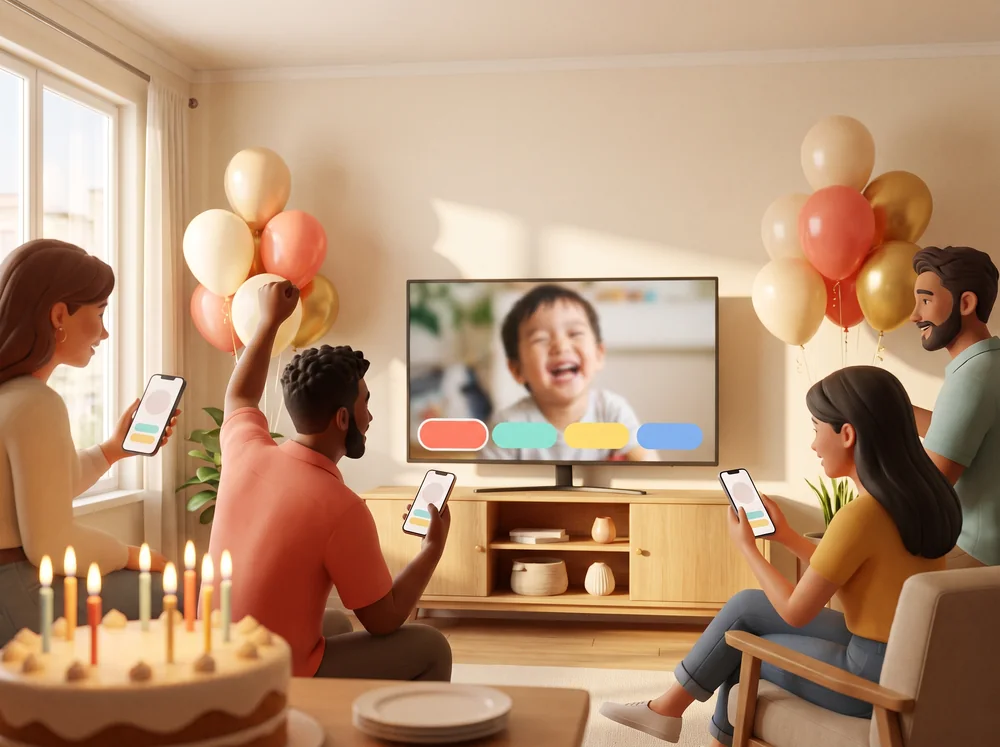
Baby photos of the guest of honour, and questions only real friends get right.
“What did Sam want to be when he was six?”
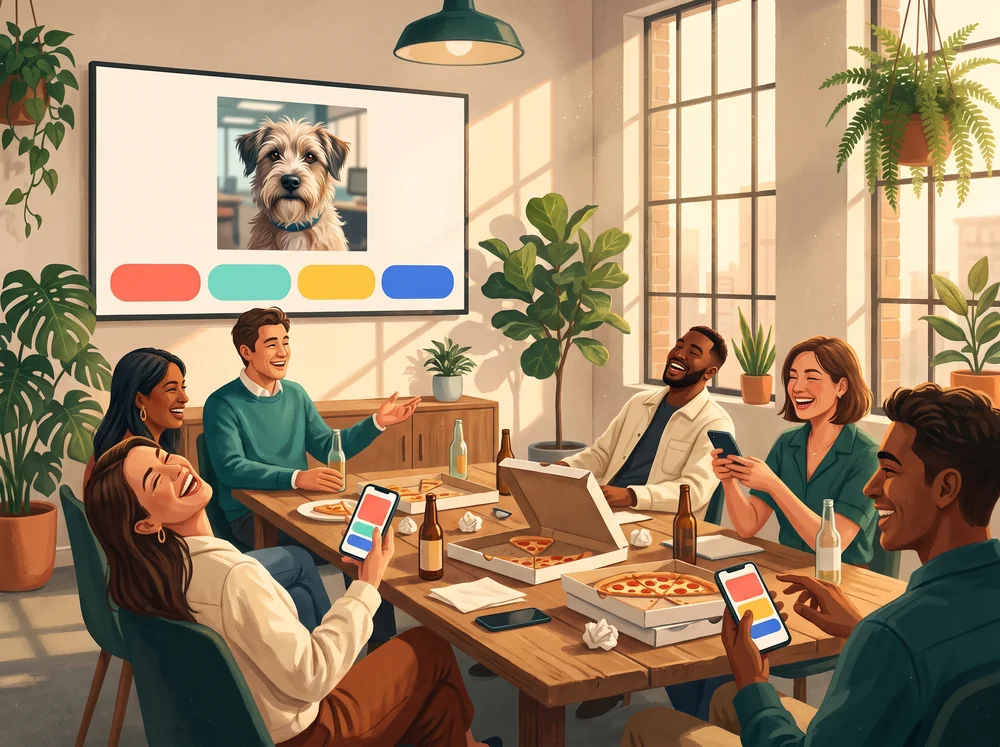
The office dog, a voice clip from the boss, and a scoreboard everyone suddenly cares about.
“Whose desk is this?”
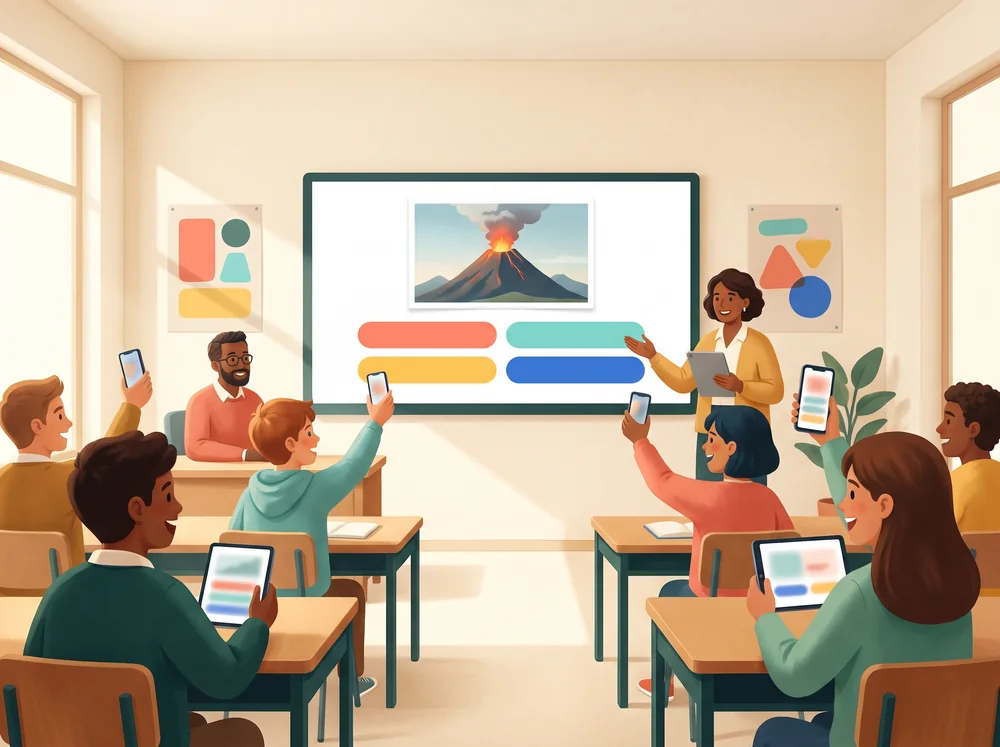
Turn a lesson into a round. Pupils answer on phones or tablets, with no accounts.
“Which volcano is this?”
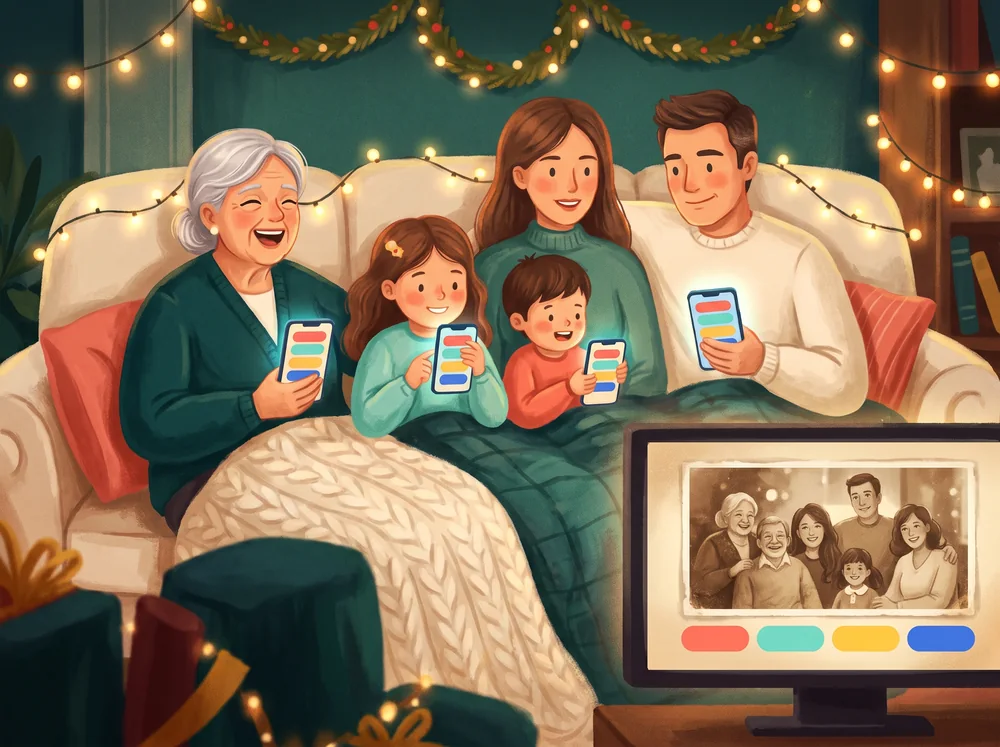
Old photos, grandma's voice, a song from the year your parents met.
“Where was this picture taken?”
Yes, and there is nothing to buy later. Build Your Own Quiz runs in your browser: no download, no app store, no payment.
No. Open the link and play. It works on a phone, a tablet, a laptop and any television with a browser, and everyone at a table can be on a different kind of device.
The question, the picture, and the clip stay on one screen. Everyone answers on their own phone. A right answer scores more when it arrives sooner.
The same question appears on every screen at once, including the video or the recording. Send the code. Guests do not need an account.
No account and no code. Test your own quiz alone before the party, or pass one phone, tablet or laptop around the table. Everyone answers in turn without looking, then you see the right answer and the points together.
Any number of players. One shared screen, or live online. The room does not turn people away.
About 20 minutes.
Only if you want to start a game for other people to join. Playing on one shared screen works without one, and so does joining a game a friend started — you just choose a name.
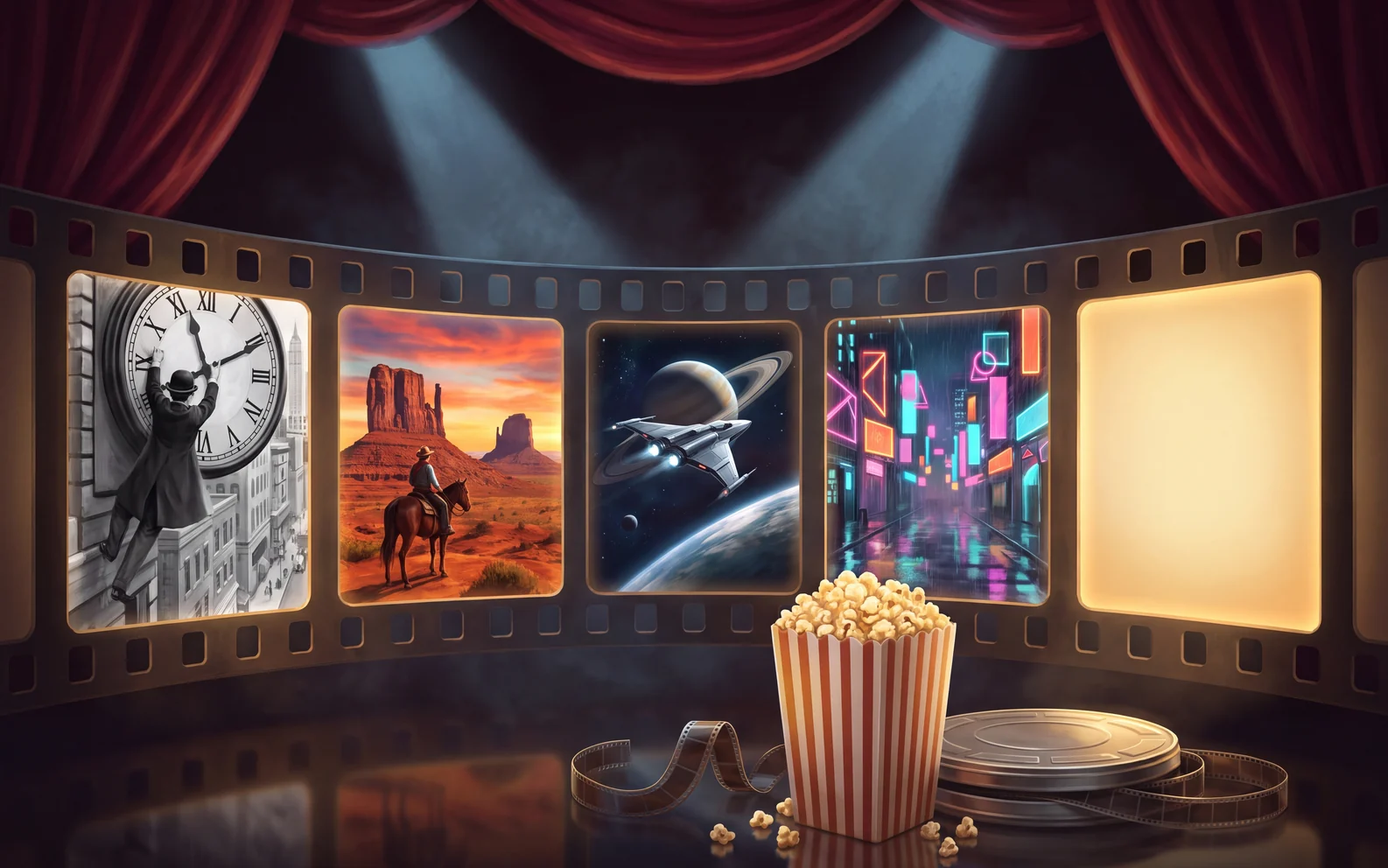 Timeliner: Movies
Movies · Television
Playable now
Timeliner: Movies
Movies · Television
Playable now
 Timeliner: Music
Songs · Music videos
Playable now
Timeliner: Music
Songs · Music videos
Playable now
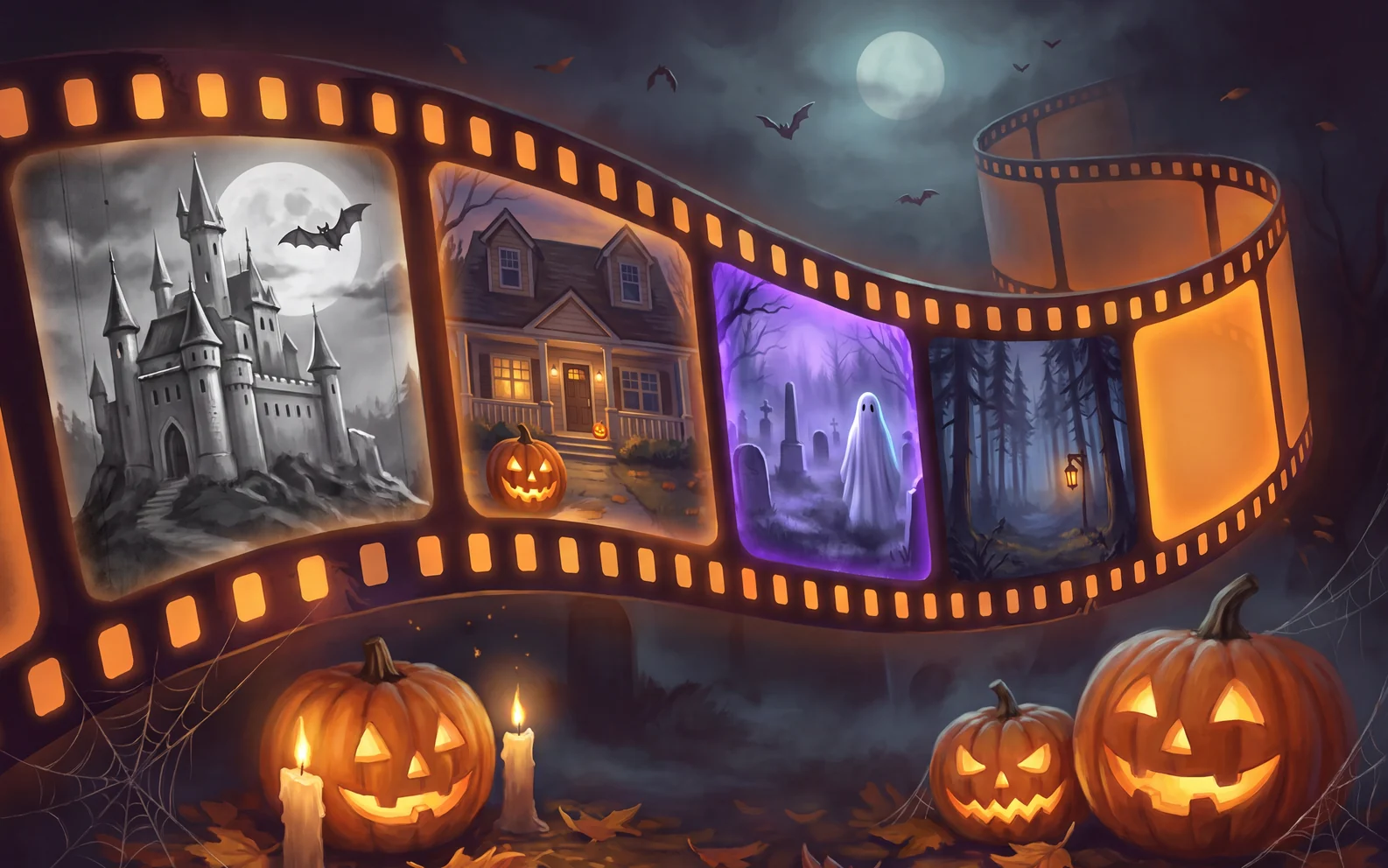 Timeliner: Halloween Movies
Halloween · Horror
Playable now
Timeliner: Halloween Movies
Halloween · Horror
Playable now
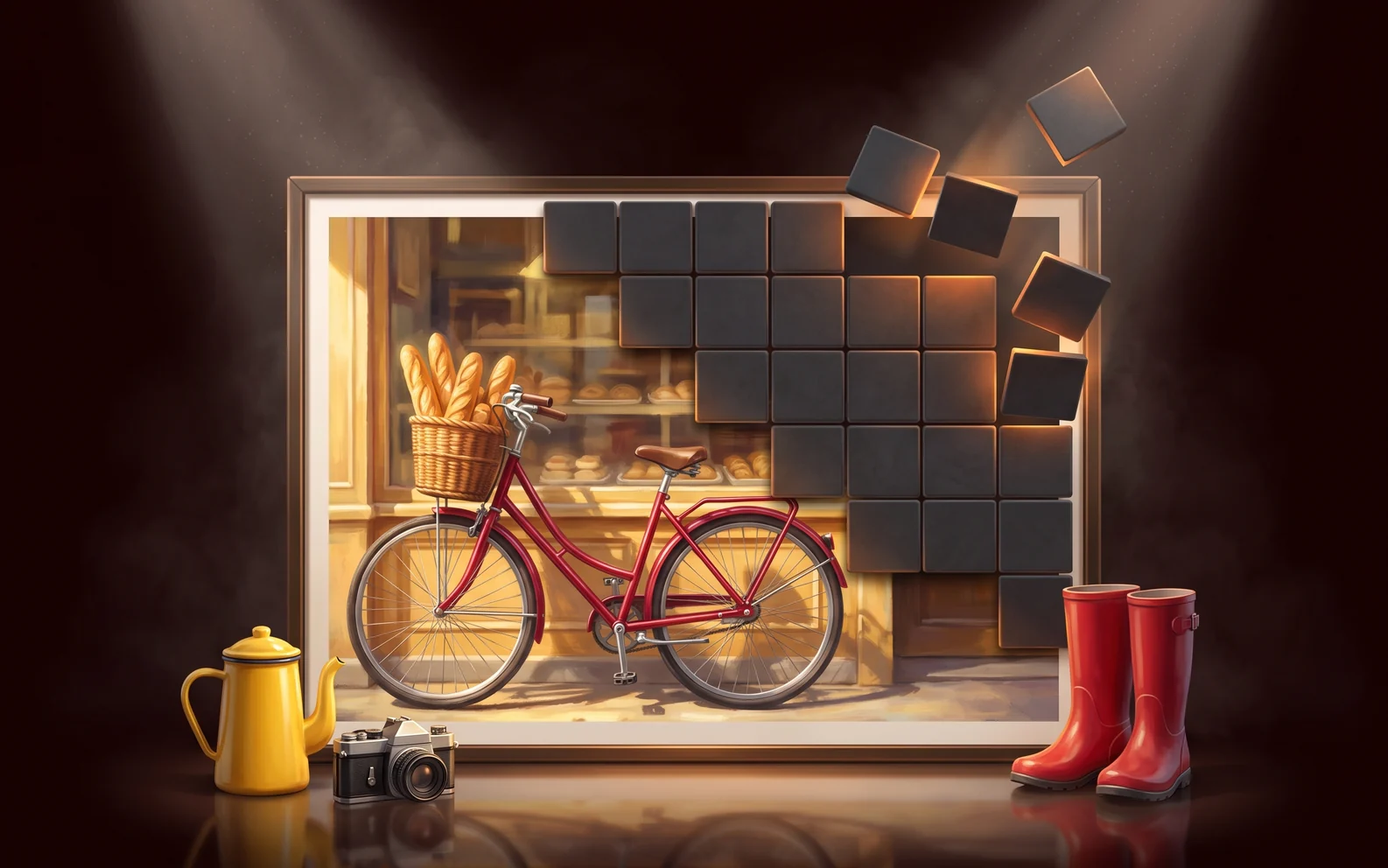 Slow Reveal: Everyday Things
Pictures · Quick thinking
Playable now
Slow Reveal: Everyday Things
Pictures · Quick thinking
Playable now
 More or Less: Mixed Bag
Party · Guessing
Playable now
More or Less: Mixed Bag
Party · Guessing
Playable now
 More or Less: Christmas
Christmas · Party
Playable now
More or Less: Christmas
Christmas · Party
Playable now
Write it now and have the whole room playing tonight. Pictures, voices and videos included.
Start building your quiz