Free live quiz
Make a free live quiz, and play it with other people
Write the questions. Add a picture, a voice or a video. Put the quiz on a television and let the room answer on their phones, or send a link and play live online.
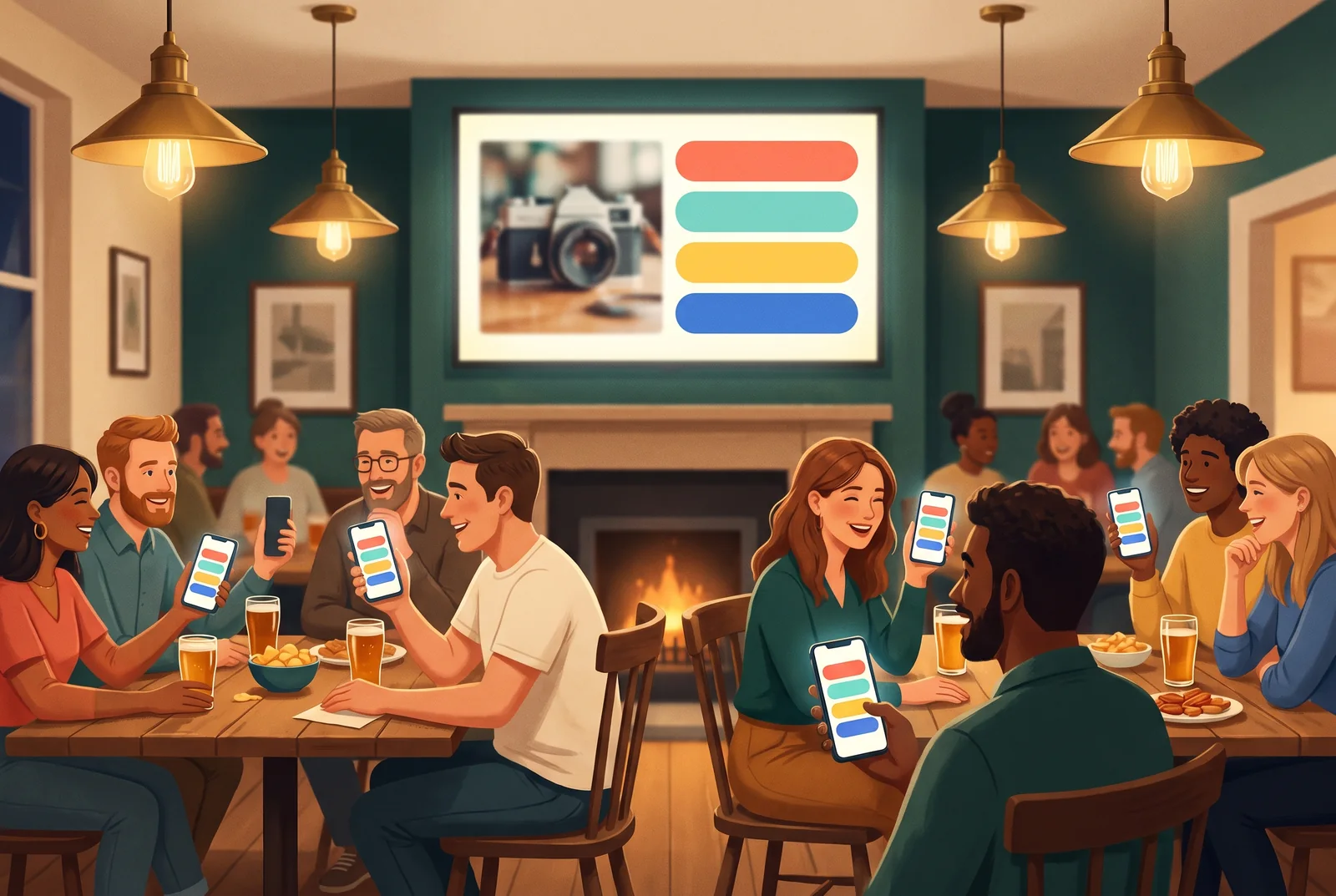
Built for friends, families, pubs and teams — not for a classroom markbook. It is free. There is no cap on quizzes or questions. Guests join with a code and do not need an account.
- Free
- No download
- On the TV with phones, or live online
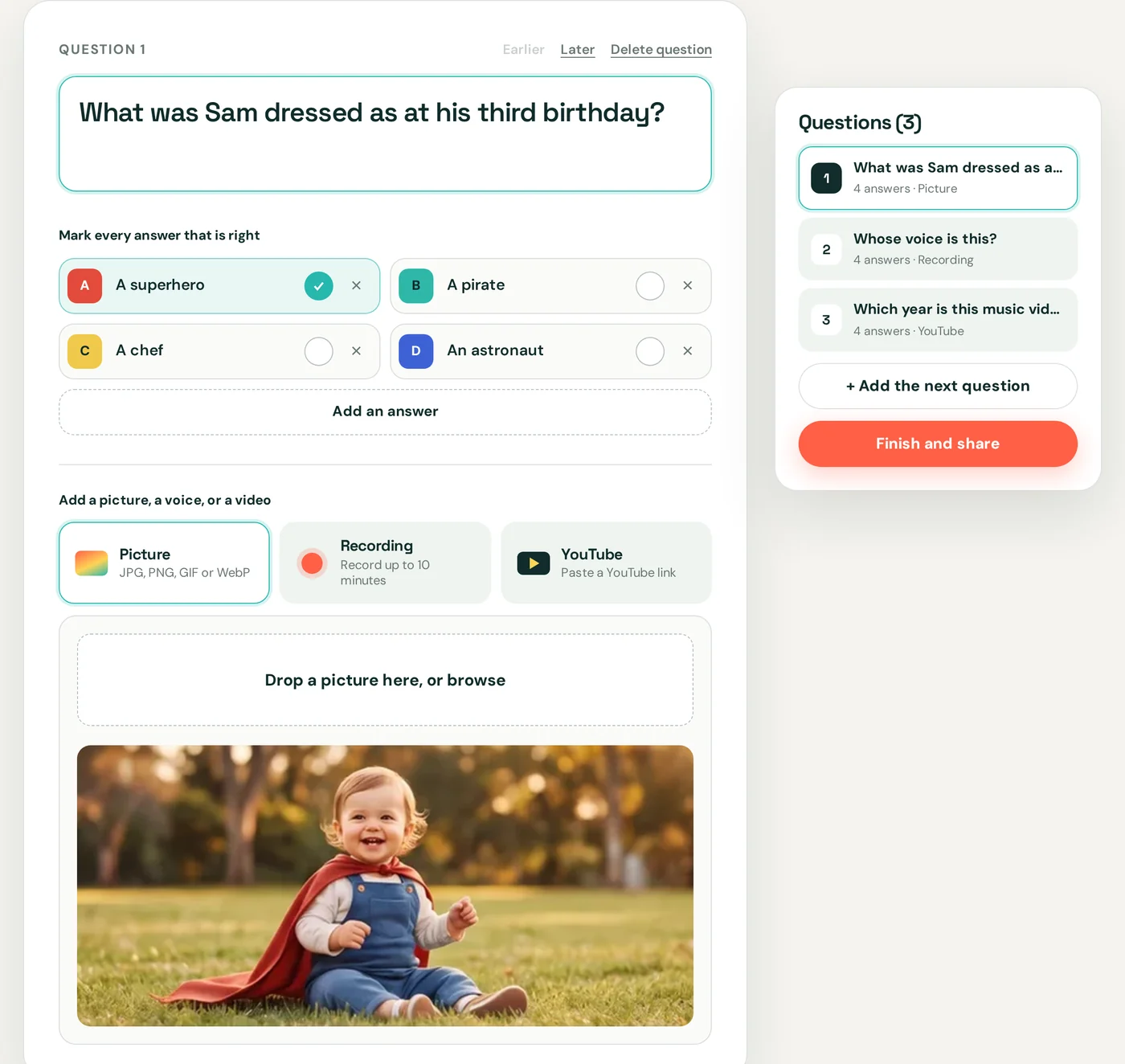
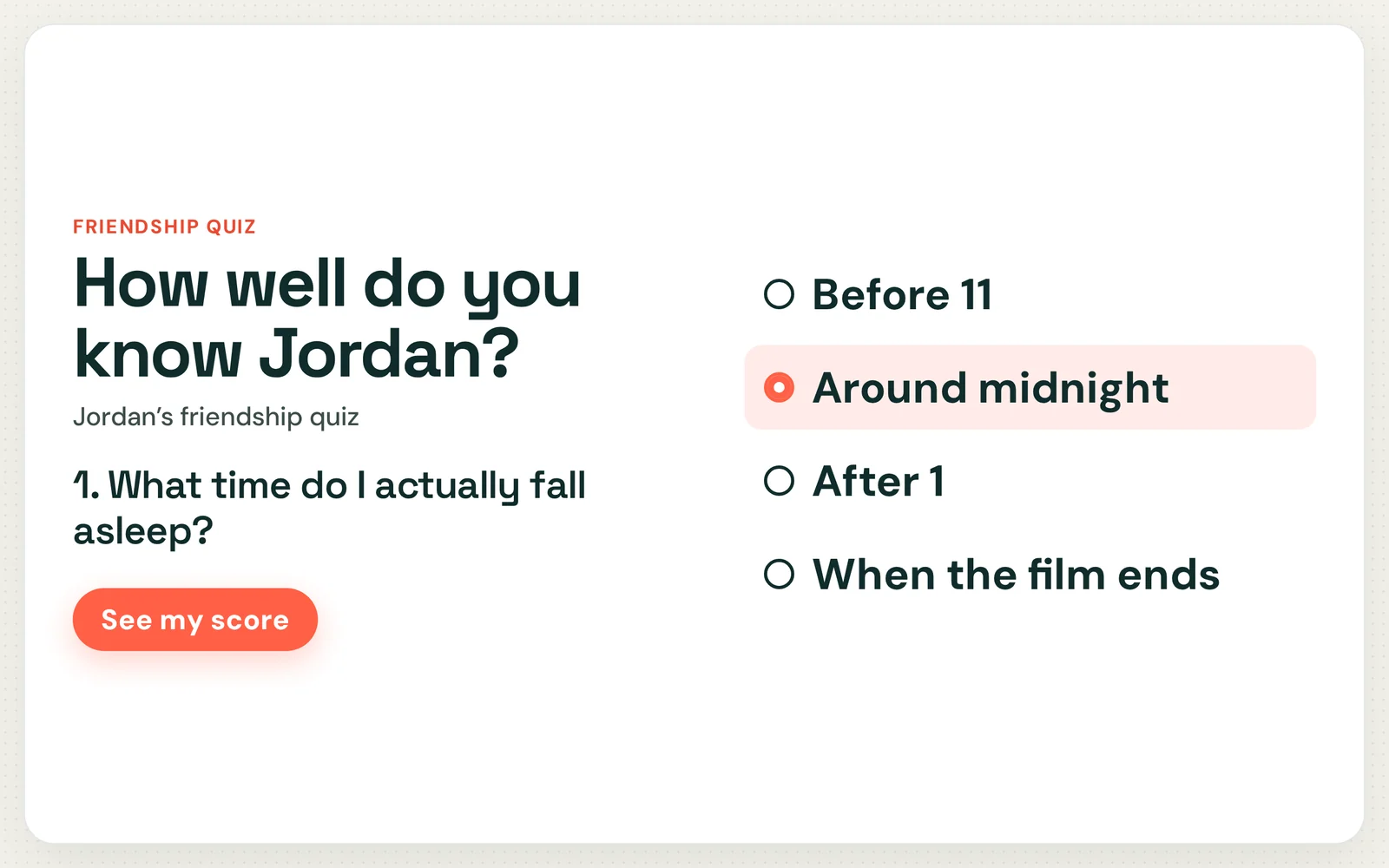
A quiz, or another game for the same room
The same phones, the same evening.



How to build and launch your game
-
1
Draft your round questions
Type your trivia, set multiple-choice options, and drop in photo or audio clues directly in your browser.
-
2
Cast to the big screen
Open the presenter view on a television or share your screen over a video call so the room can see the board.
-
3
Connect phones as buzzers
Players scan the room code on their mobile browsers to lock in their picks without installing anything.
How to run an unforgettable custom quiz night
Aim for four to five rounds of six questions each to keep the momentum brisk and avoid trivia fatigue. Give players fifteen to twenty seconds per prompt, which allows just enough time for heated debate on the couch without stalling the room. Reveal the correct answer immediately after each question to spark instant banter and collective groans.
If you have more than eight people, pair them into small squads sharing one handset so nobody feels stranded on obscure questions. Sprinkle in an audio clip round halfway through to reset the room's energy between text-heavy categories. Keep the running leaderboard hidden until the final two rounds so trailing teams stay invested in mounting a late comeback.
Prepare two numerical tiebreaker questions in advance where the closest guess wins, such as the height of a landmark or a historical year. If the competition runs hot, break up the tension before the finale by sliding in a quick visual round. Crown the winners promptly and let the runner-up pick the topic for your next session.
Ideal settings for custom trivia
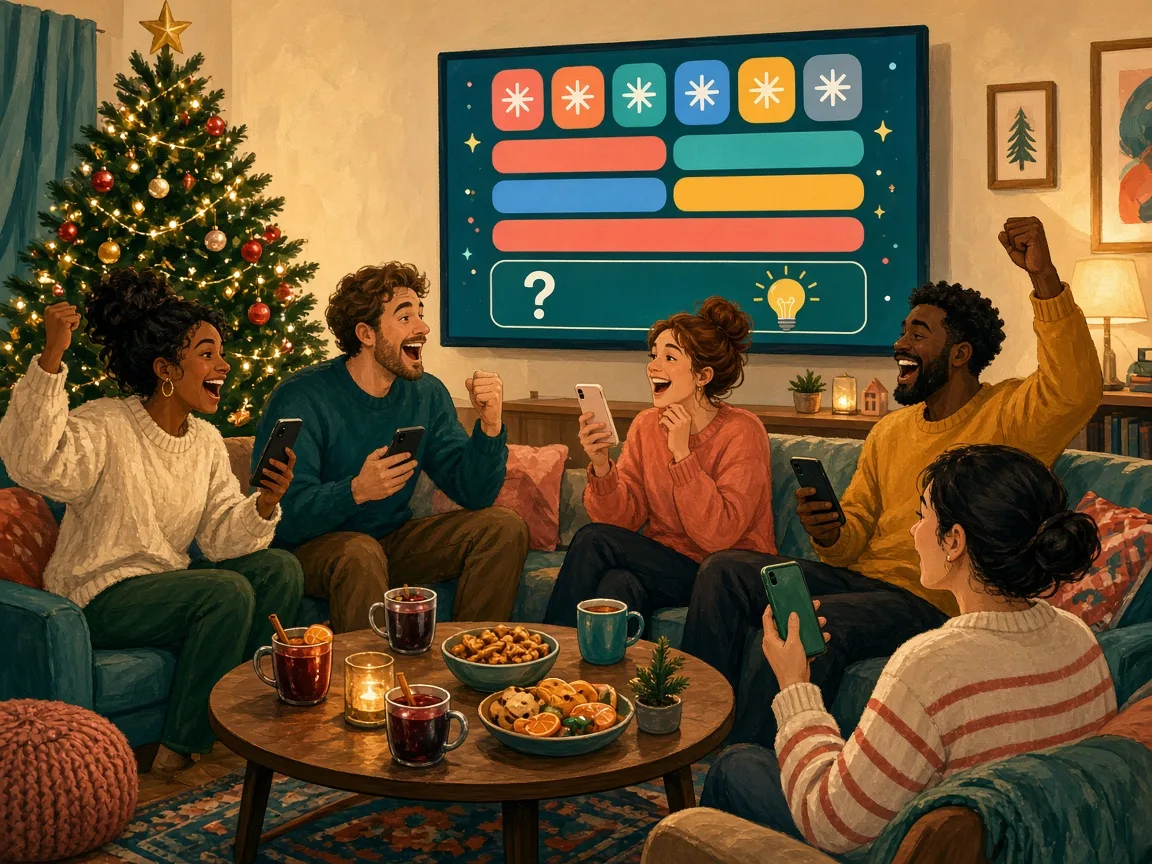
Turn your television into the main stage while family and friends compete straight from the couch on their own devices.
Share your browser window over any call software and let distributed coworkers tap in from their desks across time zones.
Ditch soggy paper slips and pencils by running modern trivia rounds that grade automatically and track scores in real time.
Common questions
Is the live quiz really free?
Yes. No player cap, no question cap, no card. You can keep as many quizzes as you like.
Do players need an account?
No. They scan a code or open a link and type a name. The host signs in so the quiz is saved.
Can I play a quiz someone else wrote?
Yes, if they shared the link. Public quizzes also appear on the published list.
How is this different from a printed quiz?
Scores land live, everyone answers at once, and you can drop a picture or a clip on any question.
Can I edit questions while players are already connected?
Yes, you can tweak text, swap answer choices, or reorder upcoming rounds in your host dashboard right up until you display that specific card.
What happens if a player accidentally closes their phone browser?
They can reopen the web page, re-enter the room code, and their score will automatically reconnect to their original player name.
More to play
Make a free live quiz, and play it with other people
Free. On the TV with phones, or live online with friends anywhere.
Write your first quiz