Free office party games
Office Christmas party games, free
A quiz, a “who would rather” about the team, and a few games that work in a hired room or on a video call. Free. Phones only.
The people in the office play on the big screen. The people at home join the same game with a link. Nobody installs anything, and you can write the questions about this year at work.
- Free
- No download
- On the TV with phones, or live online

What to run, and in what order
Start with a quiz so latecomers can sit down. Then something shorter.
 Make a quiz for friends
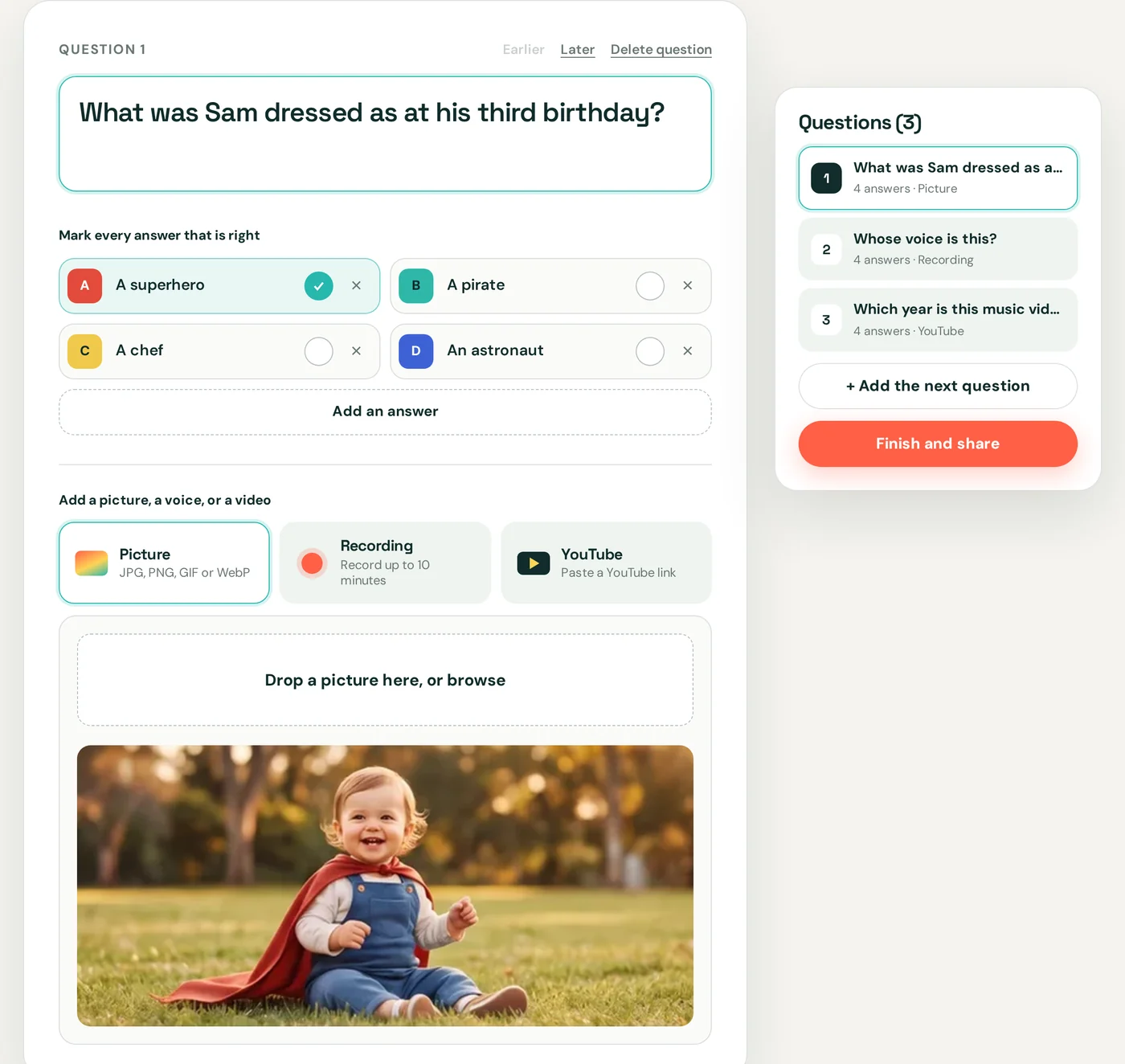
A Christmas quiz, or one about this year at work.
 More or Less: Christmas
Fast, no typing. Two options, everyone taps at once.
 Call the Room
Who would rather miss the all-hands? Questions about the people on the team.
 So They Say
Invent a fake answer, find the true one. Works with a shy room.
 The Spy in the Room
The imposter word game. One person is bluffing.
 Who Noticed
Thirty seconds with a photo, then six questions. Good after lunch.
How it works on party day
-
1
Launch on the screen
Open the game lobby in your browser and display it on the office TV or share your screen across your video call.
-
2
Scan to join in
Teammates point their phone cameras at the room code to jump straight into the lobby without downloading apps or creating accounts.
-
3
Tap phones to score
The shared display reveals the prompts and leaderboard while everyone submits guesses, votes, and punchlines from their own handsets.
How to host office party games without the awkwardness
Run your first round right as food wraps up or before drinks flow heavily, capping the session at twenty minutes to keep energy high. Keep the answer timer brisk so pacing stays lively and nobody feels pressured over trivia. A quick run of fifteen questions creates immediate conversation without derailing the rest of the evening schedule.
Pair people cross-departmentally across tables rather than letting daily desk neighbors huddle together, mixing new starters with veteran managers. When reviewing round results, lean into harmless workplace lore and notable project milestones from the year. Read the funniest incorrect submissions aloud over the microphone before revealing who actually took top spot on the leaderboard.
Wrap up close contests with a high-stakes numerical tiebreaker, such as guessing total coffee orders or customer tickets resolved this year. Transition straight from trivia into a subjective superlatives vote to reset the room dynamic. This shift from competitive knowledge to lighthearted opinion polling naturally pulls in quieter colleagues who dislike pub-style trivia.
Best suited for
Connects remote colleagues on video calls with staff gathered around the main conference room screen without latency issues.
Breaks down workplace silos quickly by getting different project teams laughing together over shared end-of-year moments.
Runs smoothly alongside catered food and drinks without needing table space cleared for boards, paper sheets, or pens.
Common questions
Can a remote team play too?
Yes. Host the game live online and send the link in the invite. Everyone answers at the same time.
Is it free for a company?
Yes. There is no per-player fee and no licence. Host as many rounds as you like.
How long does a round take?
A ten-question quiz is about fifteen minutes. Call the Room or More or Less fills another ten if you want a second game.
Can remote staff play alongside colleagues who are together in the office?
Yes, just share the host screen via your regular video calling software so remote staff can see the live board while answering on their phones.
Do coworkers have to sign up or enter work email addresses to play?
No, players simply open the room link or scan the screen code on their mobile browser and enter a display name to join.
More to play


Office Christmas party games, free
Free for the office and for the people on the call. On a screen, with phones.
Make the work quiz